VITRAL
Alchemy of Light
Art and craft design studio
An offline poster, collage and ad maker for Windows. Layers, templates, paint, print-ready export — and nothing uploaded anywhere.
The rule that matters
What is on the canvas is what must come out of Export. No second renderer, no surprise crop, no “close enough.” The file you save is the picture you made.
What it does
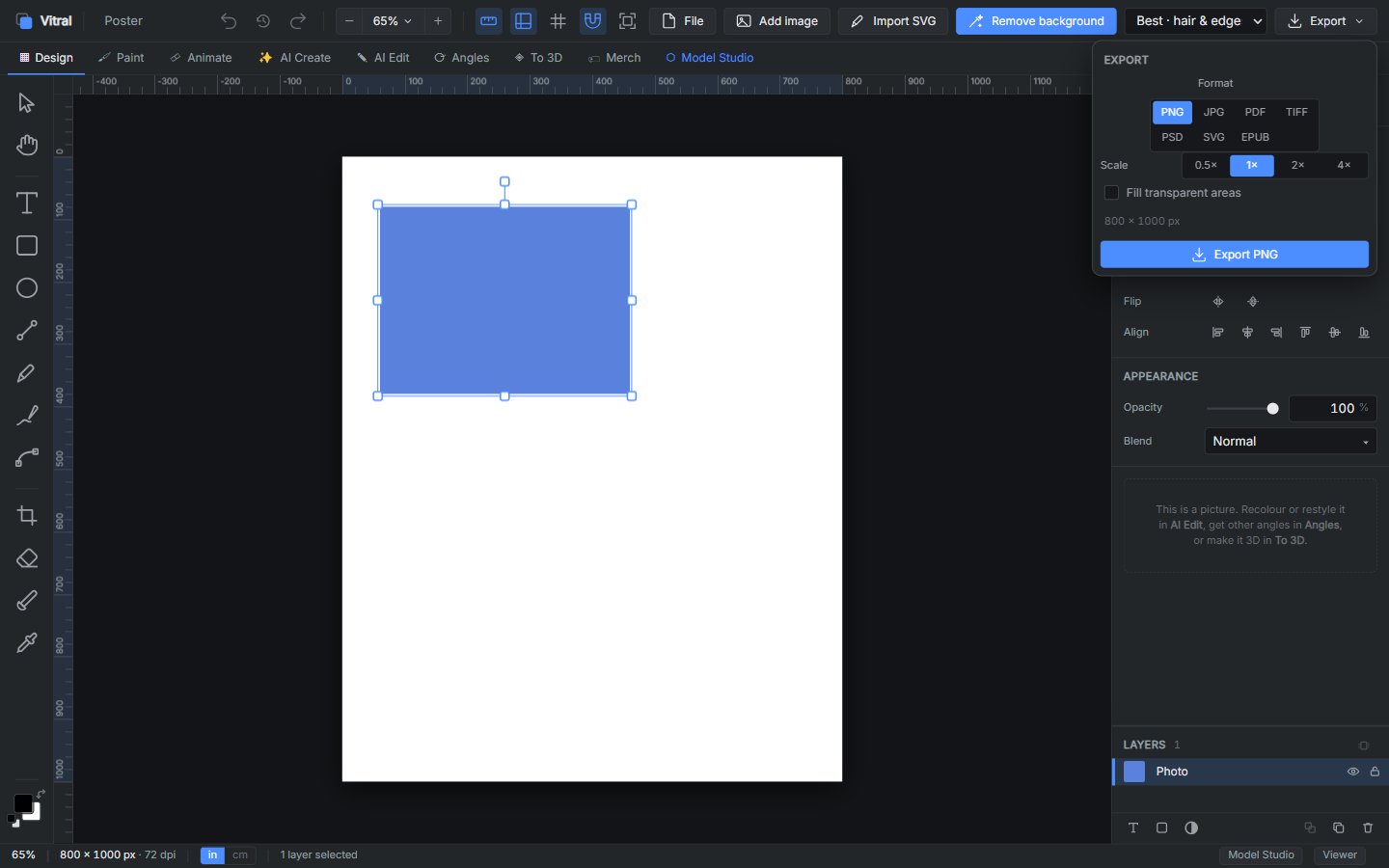
What you see is what comes out
The canvas is the picture. PNG and JPG are captured from the stage itself — no second renderer, no surprise crop, no colour shift on export.
Obvious buttons, not a hidden studio
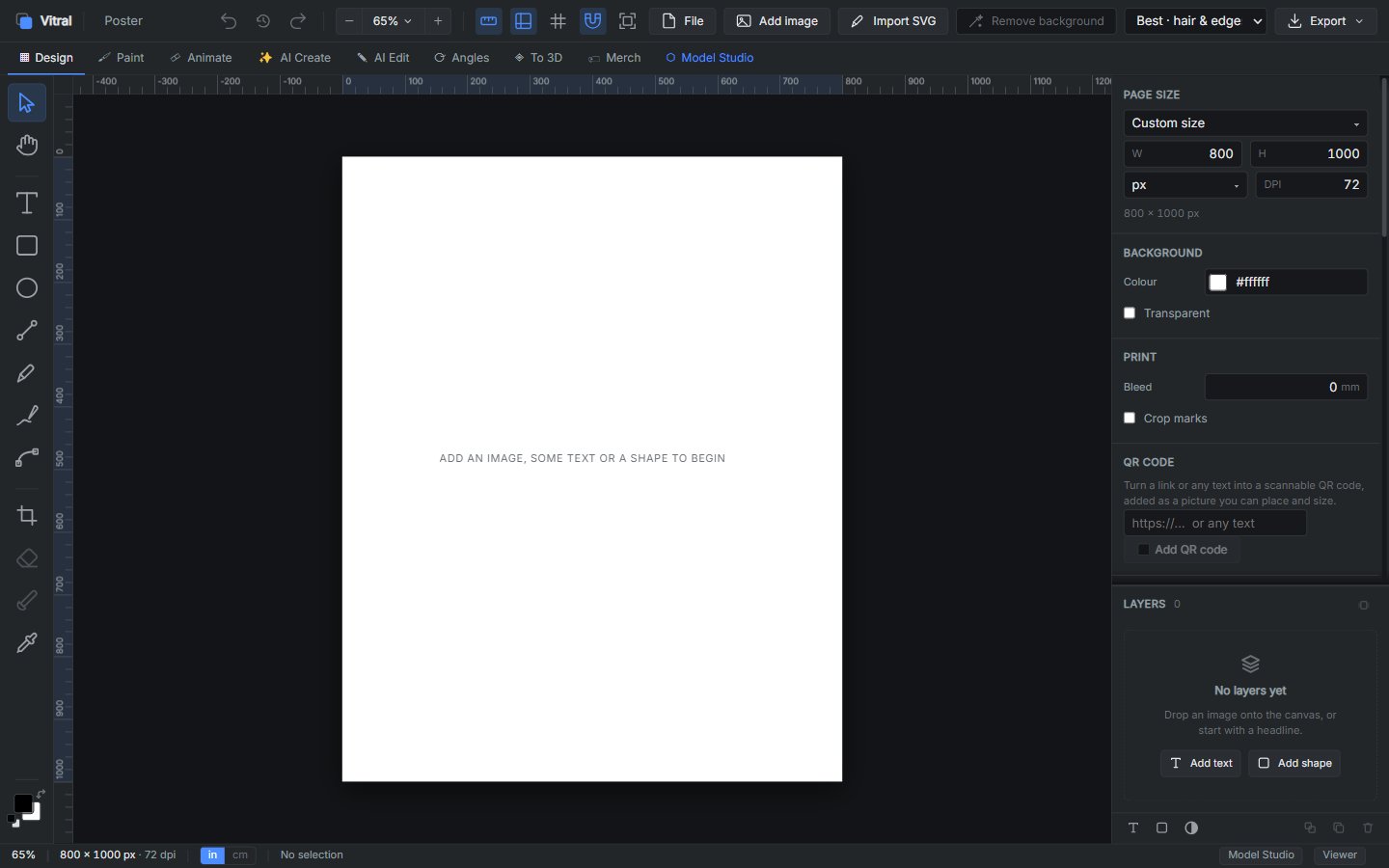
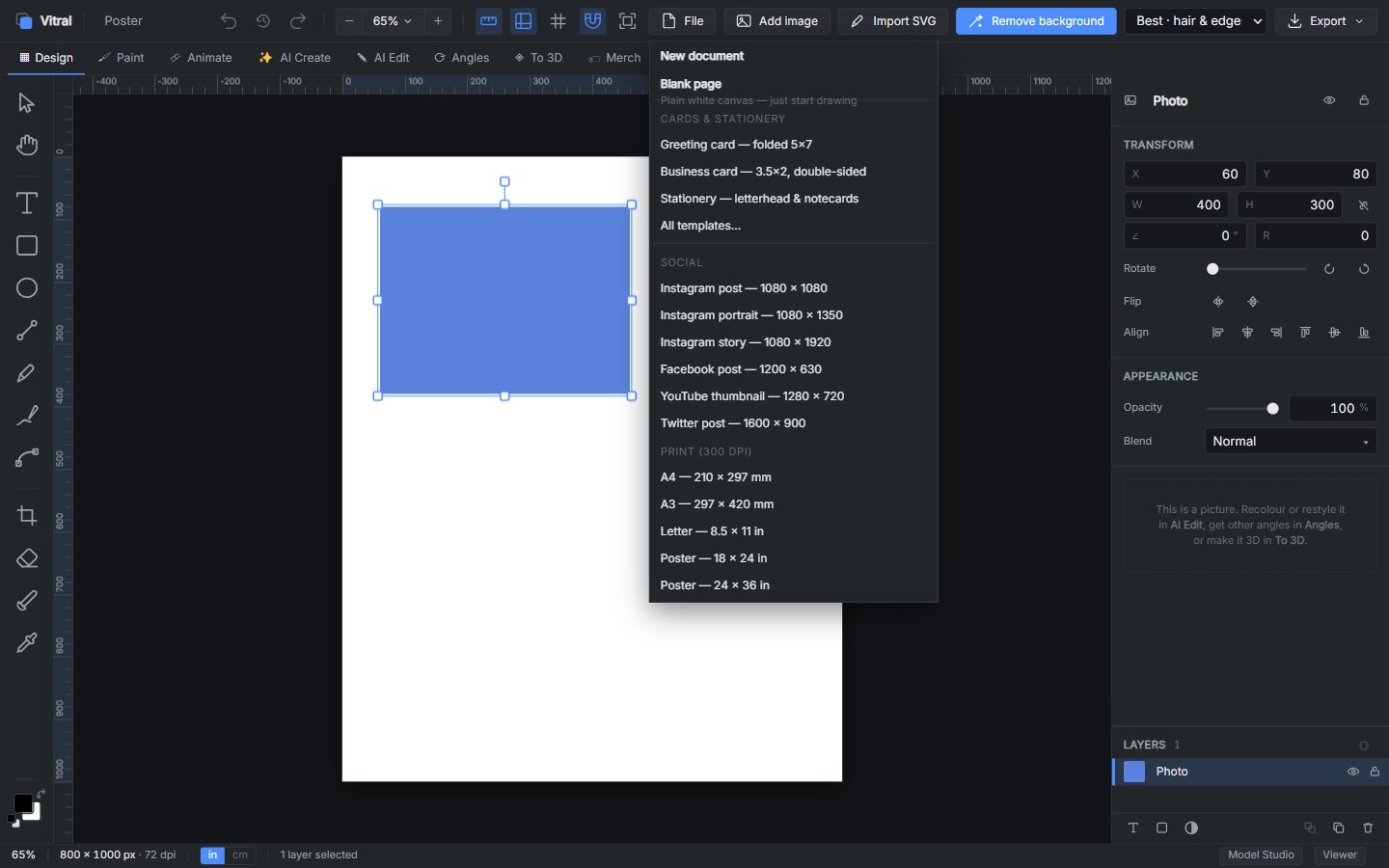
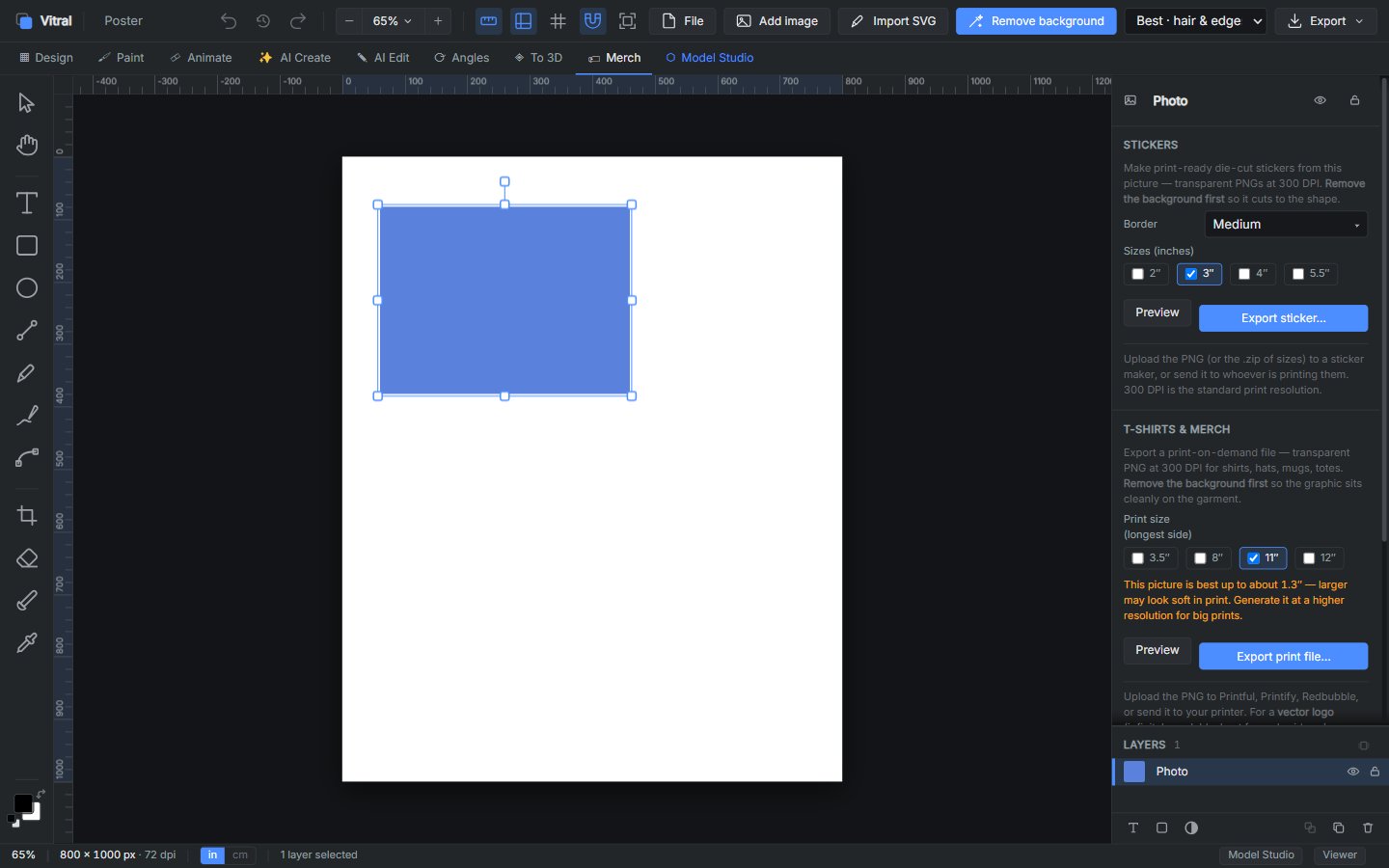
Add image, remove background, export. Page sizes for Instagram, YouTube, A4, posters and cards sit in one menu. Someone who is not good with art programs should still get the file they meant to make.
Print-ready when you need it
Bleed, crop marks, 300 DPI, CMYK. Stickers and merch exports at the sizes a printer actually wants.
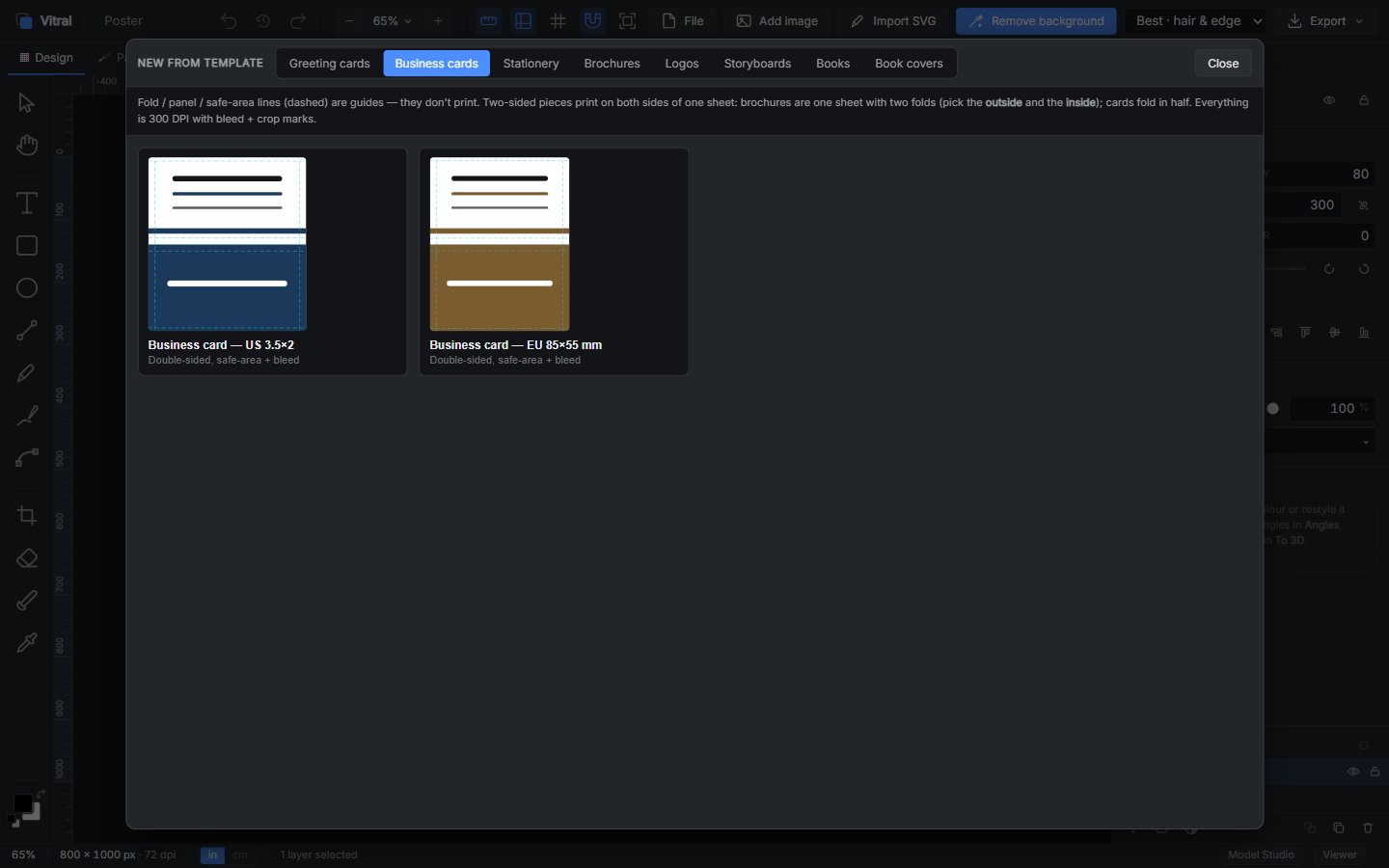
Templates for the jobs you repeat
Greeting cards, business cards, stationery, social posts. Start from a size, not from a blank guess.
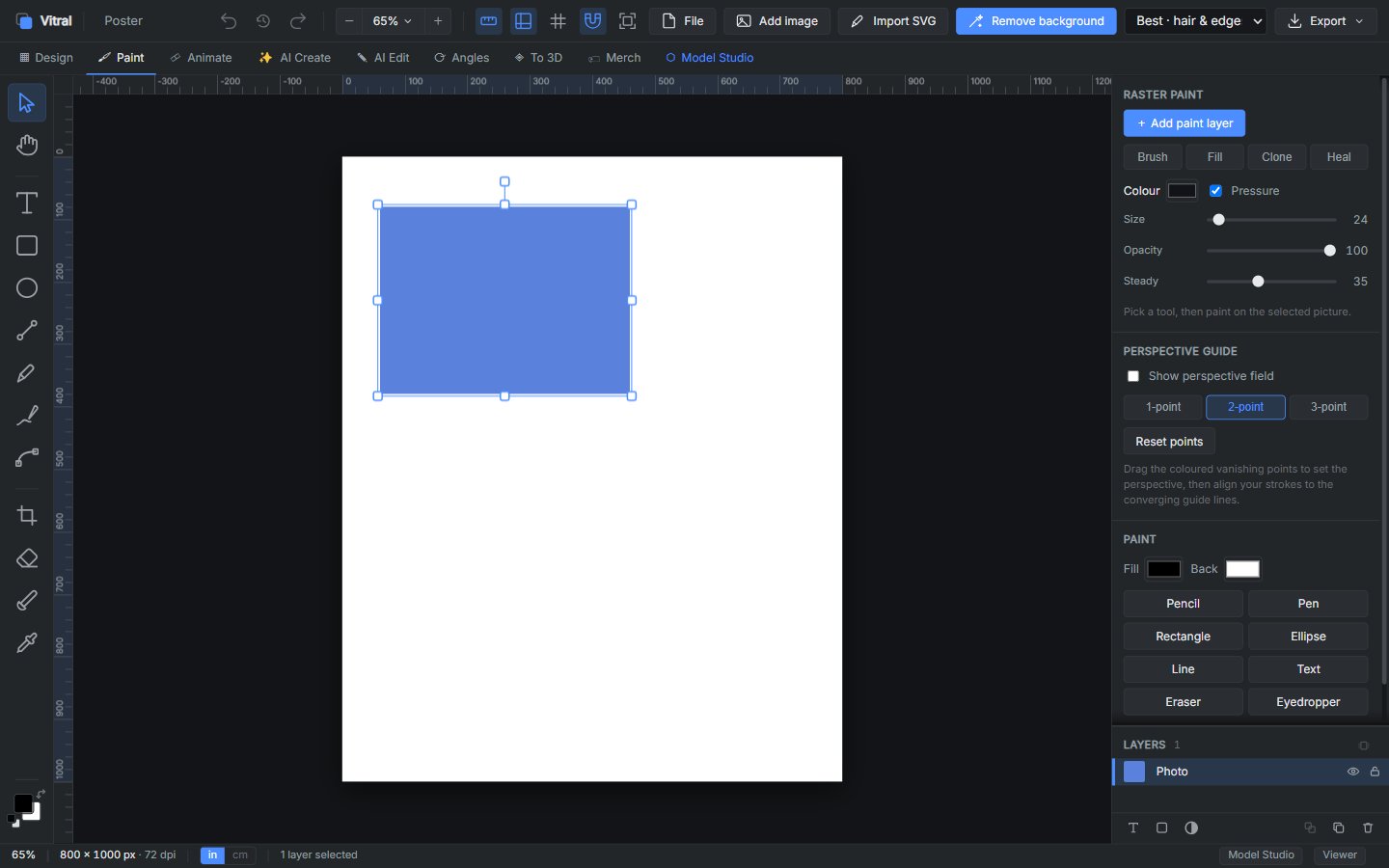
Paint, paths, and one-click cutout
Brush, clone, heal, vector paths, and background removal that runs on your machine.
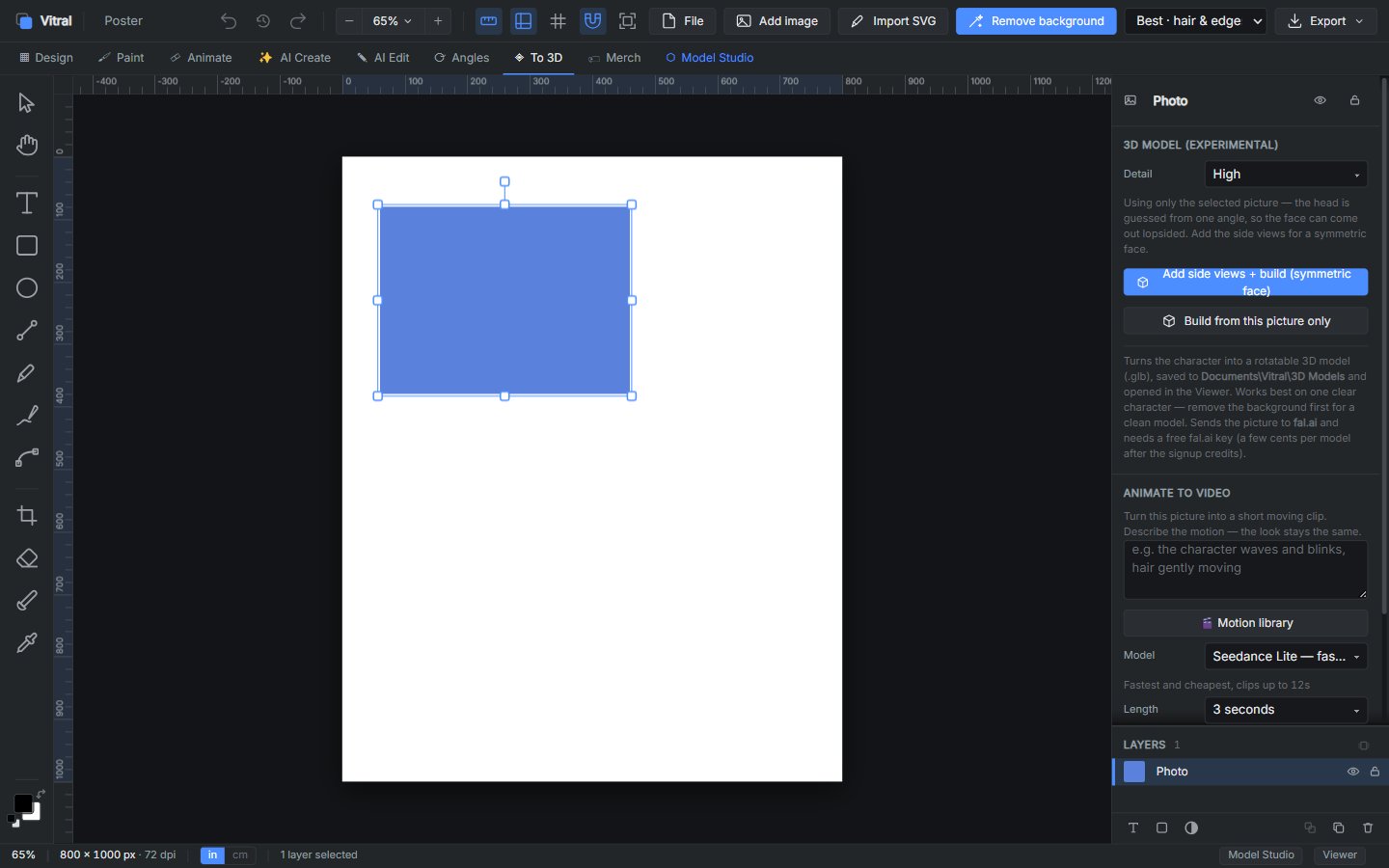
3D and Model Studio, if you want them
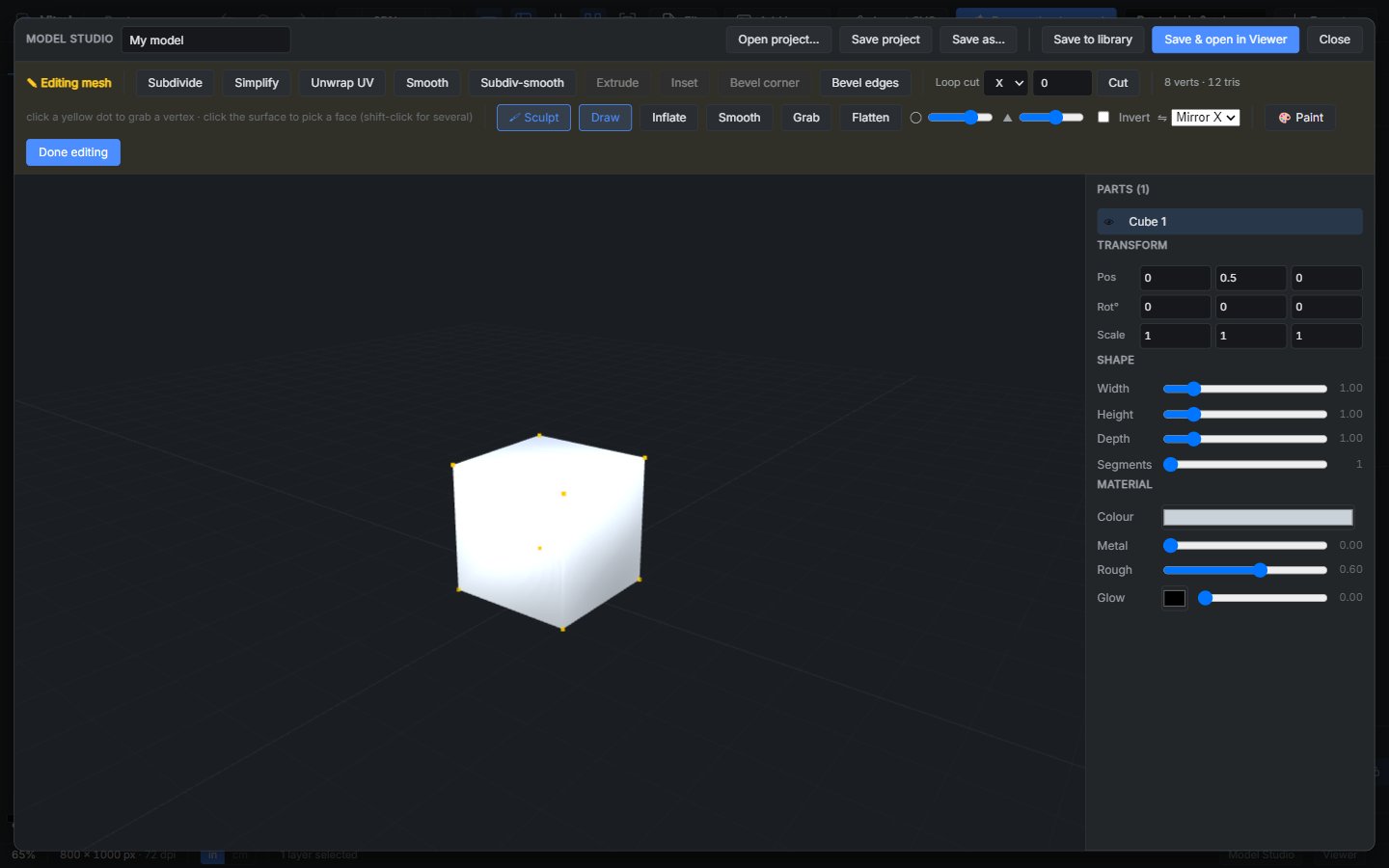
Turn a picture into a rotatable model, sculpt a mesh, paint it, export it. Optional — the poster tools do not depend on them.
A look inside
Scroll to see more →
Why Vitral
- ◆ Offline by default — your files stay on your computer
- ◆ No subscription, no account, no cloud canvas
- ◆ Export PNG, JPG, PDF, PSD, SVG, TIFF and EPUB
- ◆ What is on the canvas is what comes out of Export
- ◆ Built for posters, ads, cards and print — not a social feed
- ◆ Windows desktop, one-time purchase when it ships
Get Vitral
Desktop — Windows
A one-time purchase when it ships. Your projects save as files on your computer. Nothing to subscribe to, nothing in the cloud.
Coming soon for WindowsNo subscription. No ads. Your pictures stay yours. See all Practical Path apps →